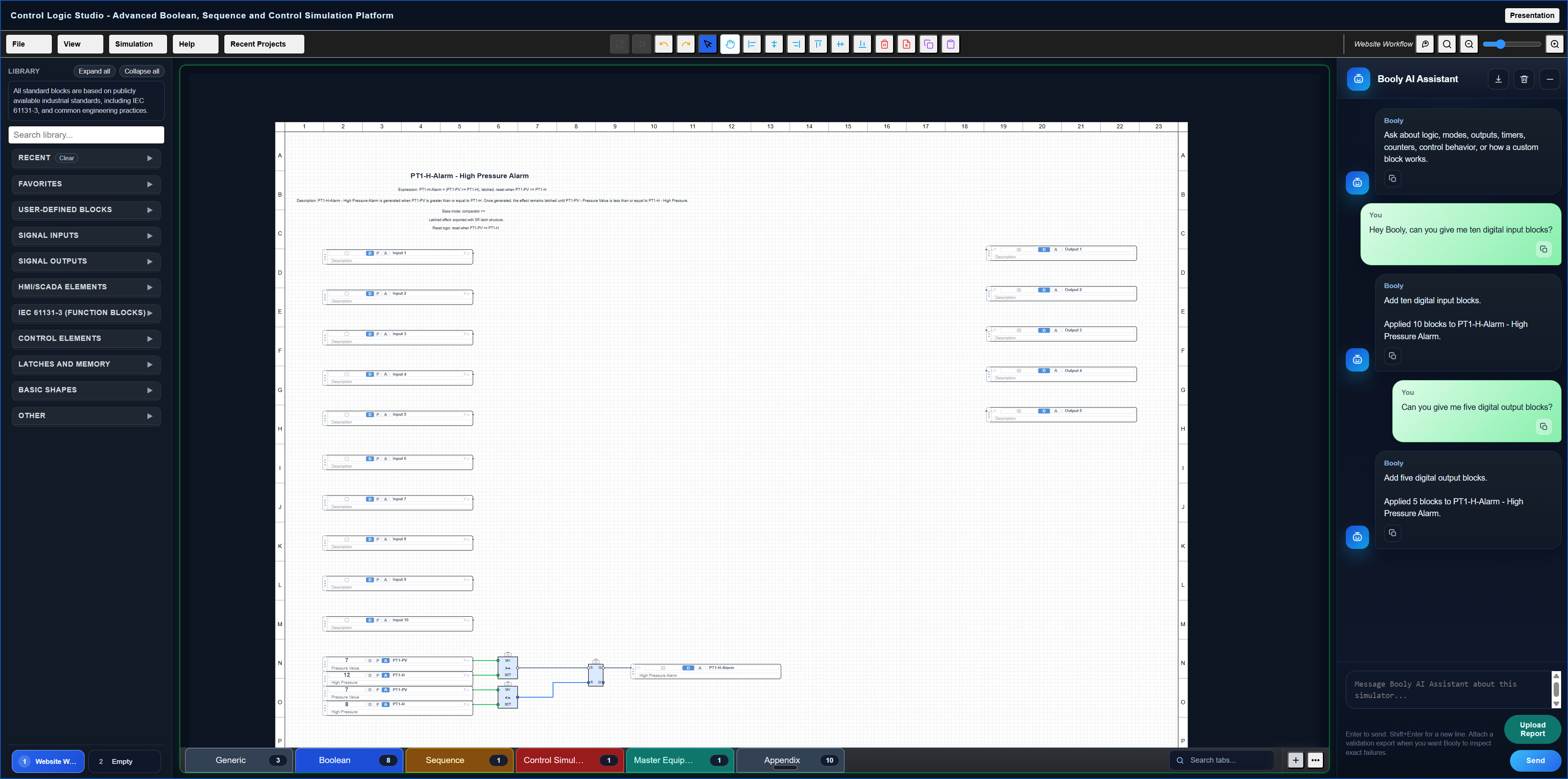
Design logic visually
Drag IEC-style logic blocks, connect signals, and structure control systems clearly and quickly.
Build Boolean logic, simulate process behaviour, and use AI assistance directly inside the canvas, all without installing software.
Show the core capabilities quickly. Focus on Boolean logic, process simulation, and real world SCADA style visualisation, with an IEC 61131-3 aligned approach.
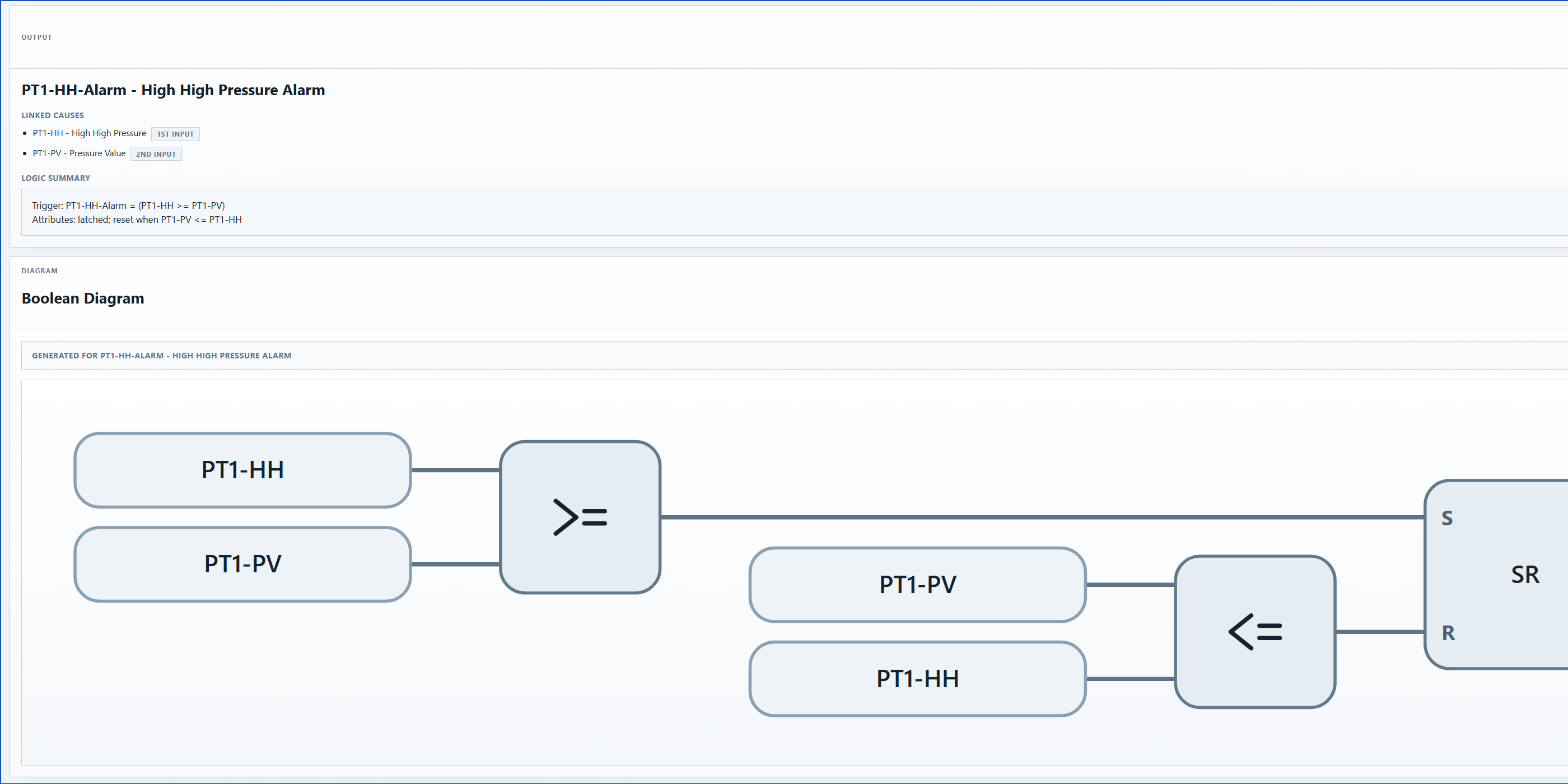
Drag IEC-style logic blocks, connect signals, and structure control systems clearly and quickly.
Model dynamic behaviour and control response using block based simulation similar to industry tools.
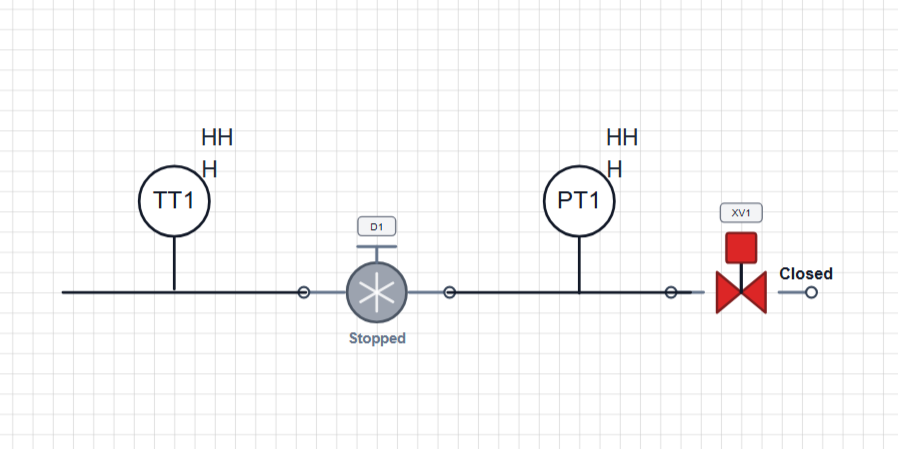
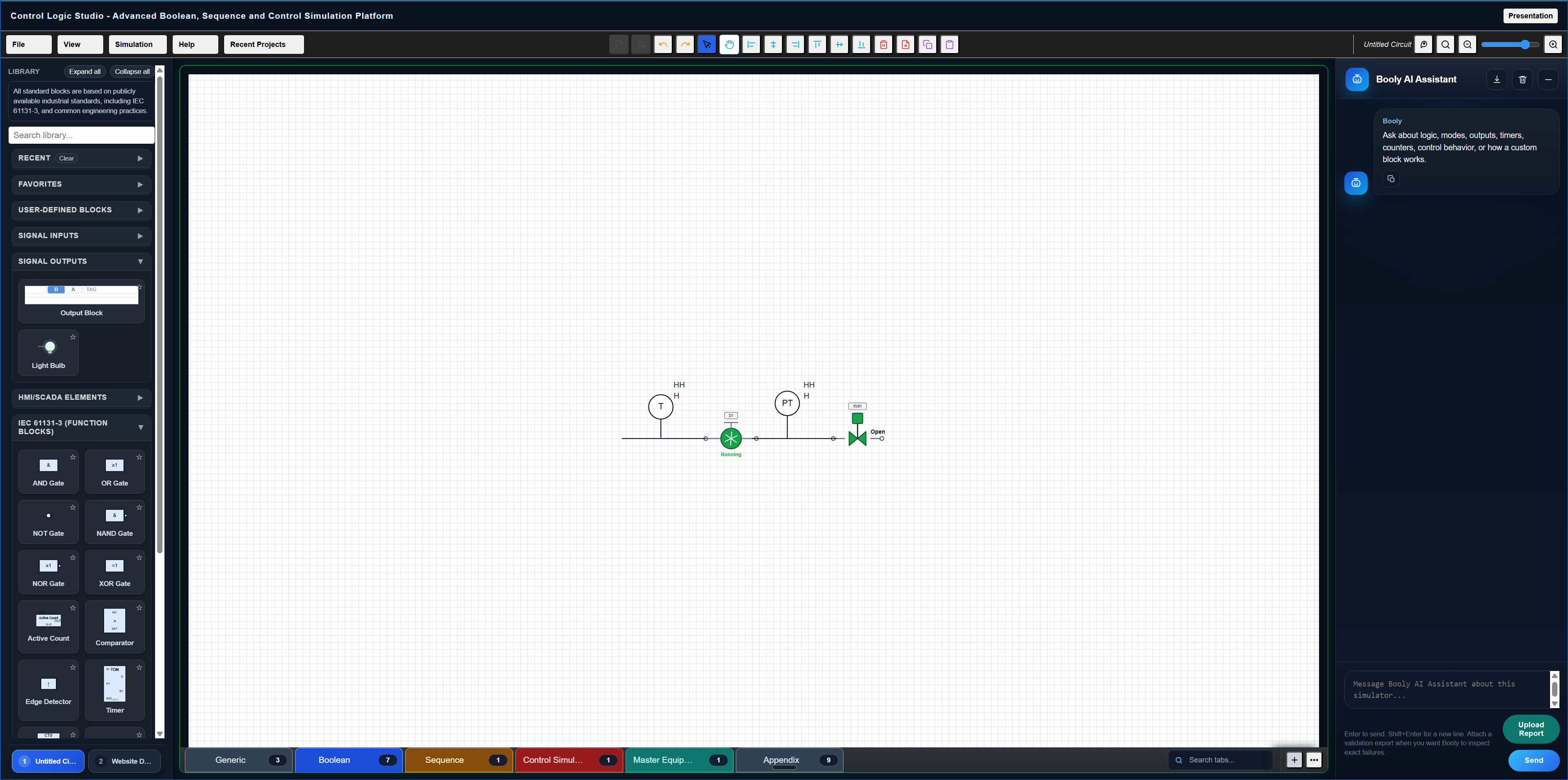
Visualise systems using SCADA style components such as pumps, valves, and plant layouts.
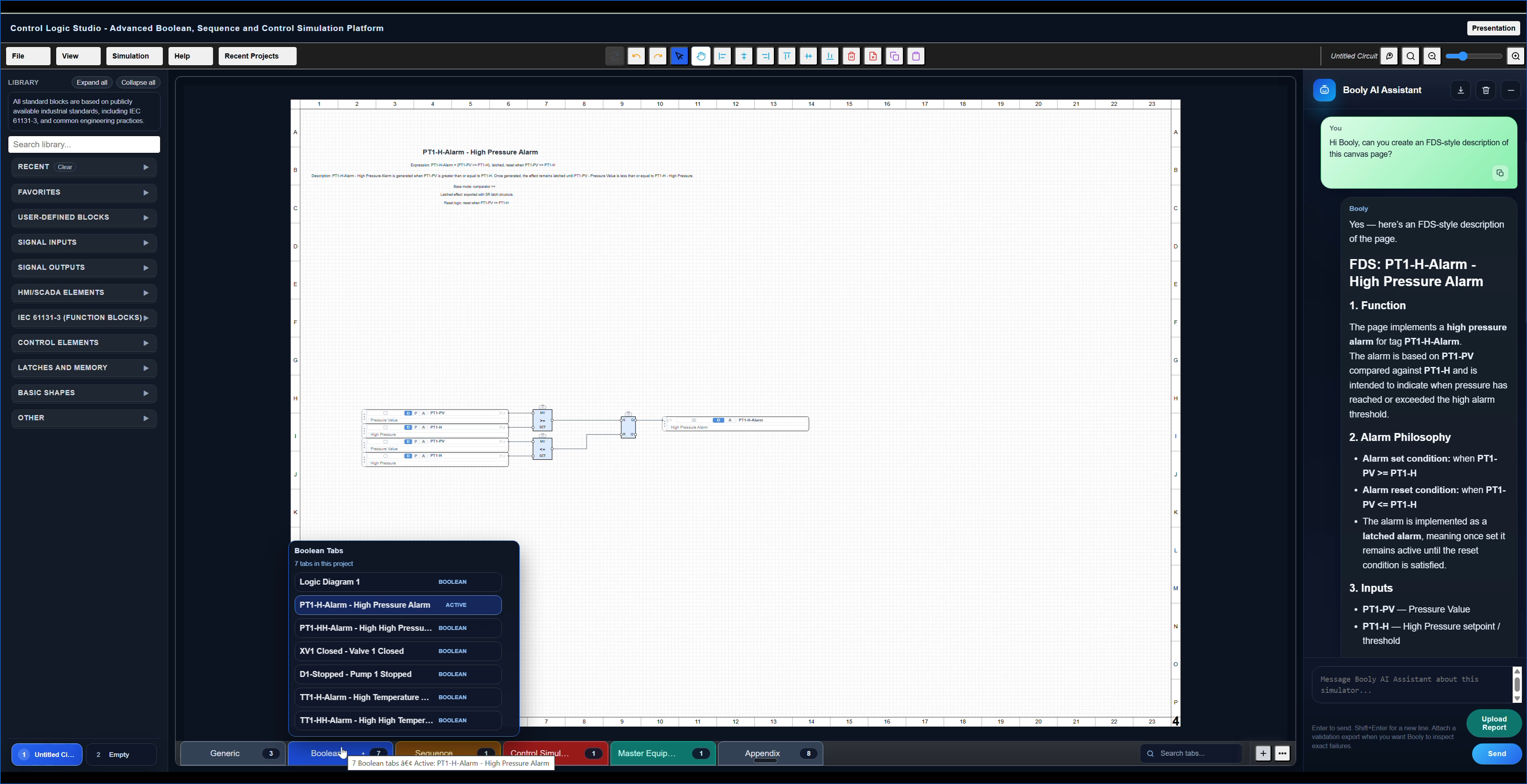
Booly is your built in AI assistant, helping you work faster directly inside the canvas.
Booly works within the same engineering environment as your logic, rather than as a separate generic chat tool.
Booly can place blocks onto the canvas to help you build logic structures more quickly.
Booly can inspect the current state of the project and help interpret what is happening.
Booly understands the available block library, the canvas context, and the wider project structure.
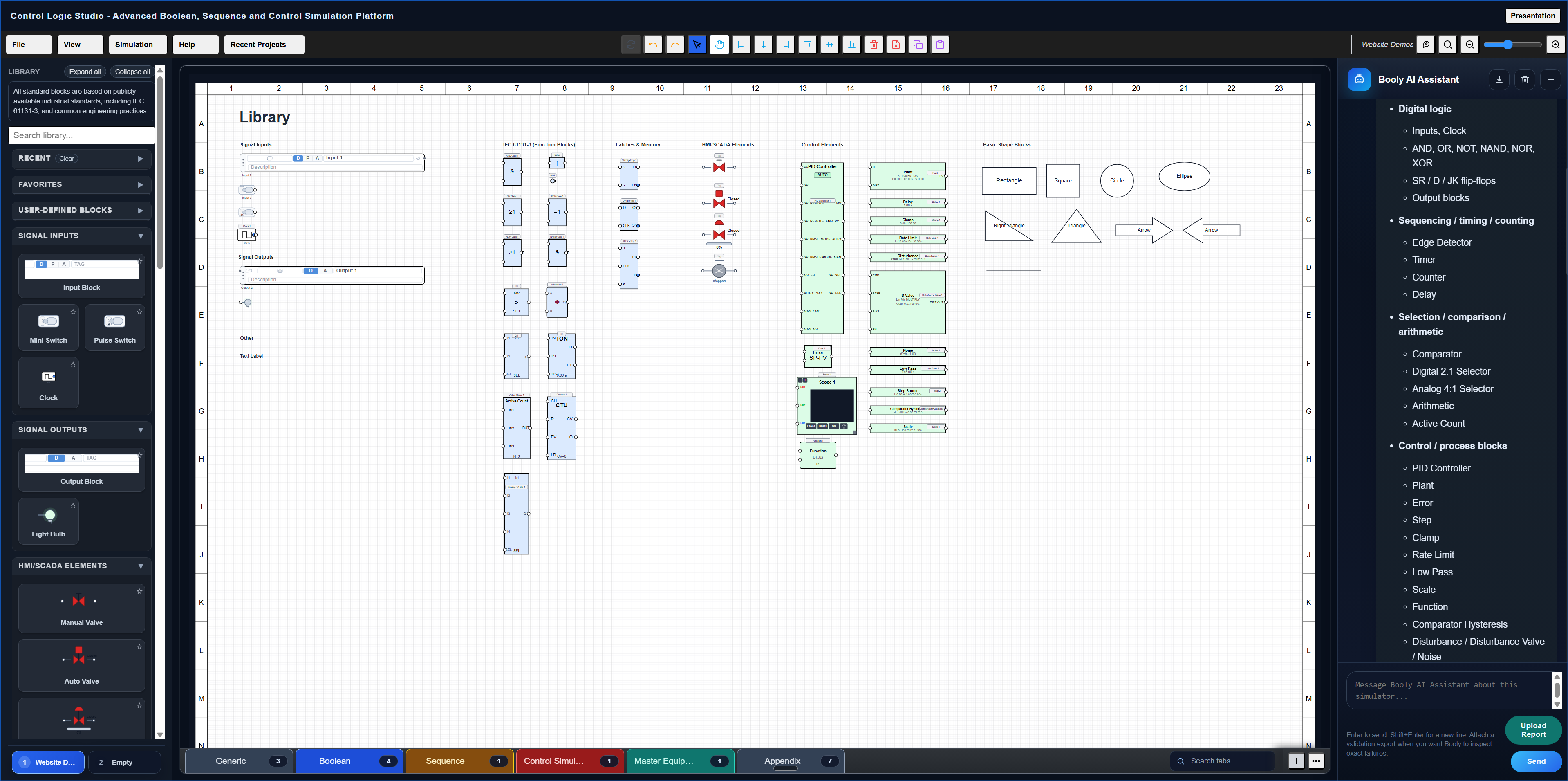
Use one strong video here to show the library, what block types are available, how the user places items on the canvas, and how quickly a project comes together.
Show the different block families clearly so the visitor immediately understands the scope of the platform.
Show dragging onto the canvas, naming, tag setup, and a small amount of configuration so it feels practical and fast.
Show output states, animation, and response changes so the visitor sees cause and effect immediately.
Position the workflow as useful for engineers, demos, learning, and fast concept validation.
Keep this broad enough to widen appeal, but still technical enough that your ideal customer feels seen.
This can change later. For now, it helps frame the page and makes the product feel real. You can lock advanced features behind paid tiers.
Good for trying the interface and basic demo projects.
For engineers who want serious use, more storage, and full simulation access.
For organisations, training use, or internal engineering teams.
These are here as placeholders. Later, these can become accordions.
No. The intended setup here is browser-based access through a login.
Yes, this section should later explain that the tool is aimed at logic visualisation, simulation, training, and design communication.
Use this to explain which blocks, demos, or save limits are included before upgrade.
This is where you can later talk about shared templates, common projects, or training use cases.
This final area should give one clear next step. Avoid too many competing actions here.